Traveling with friends? Refer them and get US$5 each!




Download the Saily eSIM app
You can get Saily on Google Play and the App Store or by scanning the QR code.

4.7 rating
(35,487+) reviews

4.7 rating
(61,942+) reviews


eSIM data plans in 200+ destinations
Available on iOS and Android
24/7 customer support
Works on all smartphones that support eSIM
Choose your eSIM plan
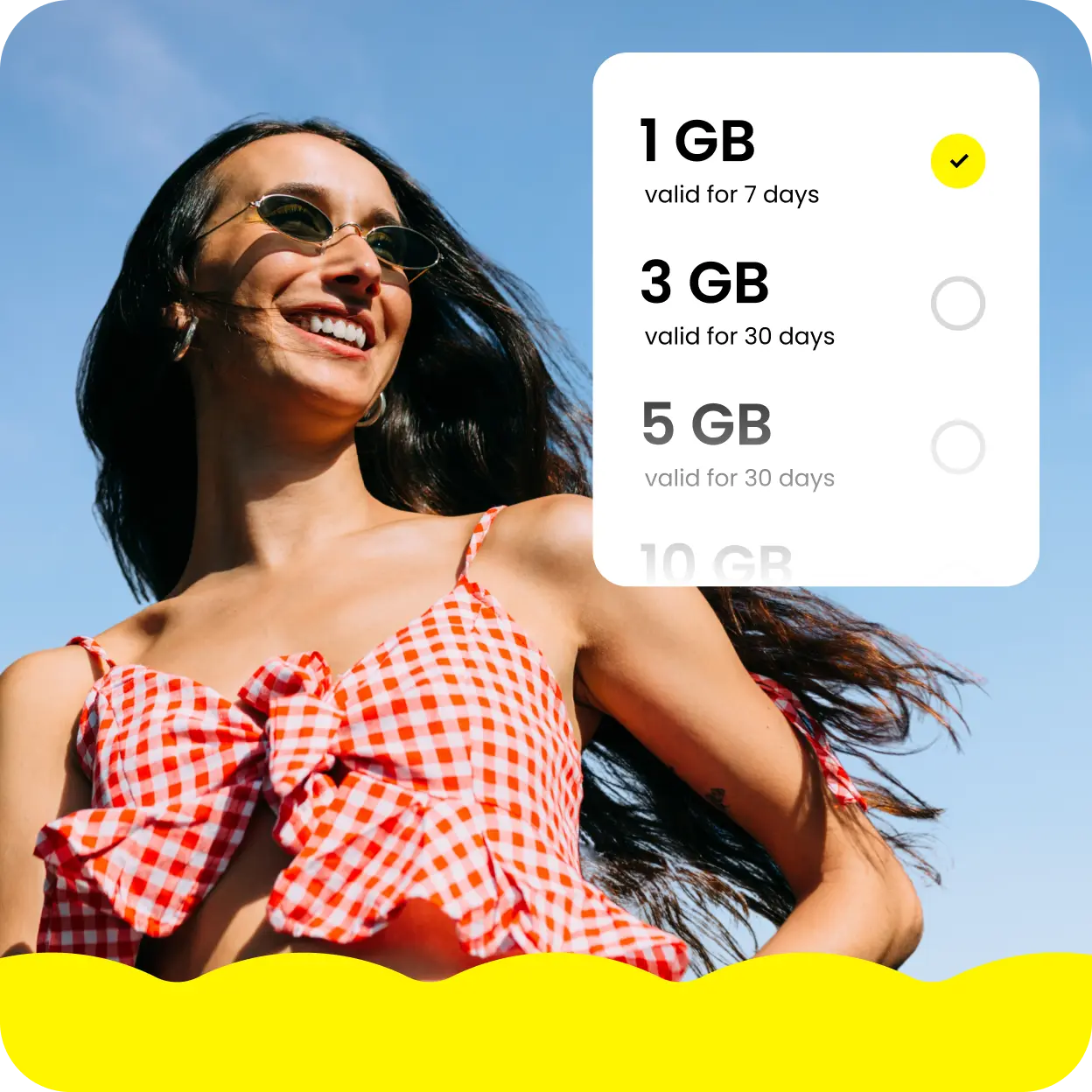
Saily offers flexible data plans in more than 200 destinations. Just pick where you want to go and find a plan that works best for you.
How to set up the Saily eSIM app
You can set up Saily on your iPhone or Android by following these steps:
Set up the Saily eSIM app on your iPhone
1
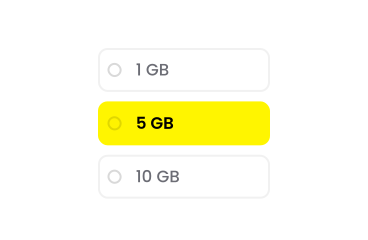
Select your destination and buy your travel eSIM data plan. Then, download the Saily app.
2
Set up your eSIM and enable data roaming
Set up the eSIM from your iPhone by following instructions in the app and enable data roaming for your Saily eSIM.

3
Get ready for your trip — your plan will activate when you arrive or 30 days after purchase.

Set up an eSIM on your iPhone manually
- 1.
Go to “Settings.”
- 2.
Tap “Cellular data” or “Mobile data.”
- 3.
Tap “Add eSIM.”
- 4.
Select "Enter information manually" at the bottom of your iPhone screen.
- 5.
Paste the eSIM information shared by your provider.

How to activate your Saily eSIM plan
Your Saily eSIM plan will activate automatically. After you install the eSIM on your device and leave for your destination within 30 days, the data plan will activate automatically as soon as you arrive.

What are the benefits of using an eSIM app?
Using eSIMs over physical SIM cards provides all kinds of benefits:
Get help with your eSIM
If you have any questions, our team is available via chat 24/7 on the Saily app. You can also send us an email if you have a more detailed question.
Frequently asked questions
Refer a friend and earn Saily credit!
Each referral earns you US$5 in Saily credits while your pals get a US$5 discount on their first plan!