By the company behind

Saily eSIM ad blocker: Block ads and save data while traveling
Block ads automatically.
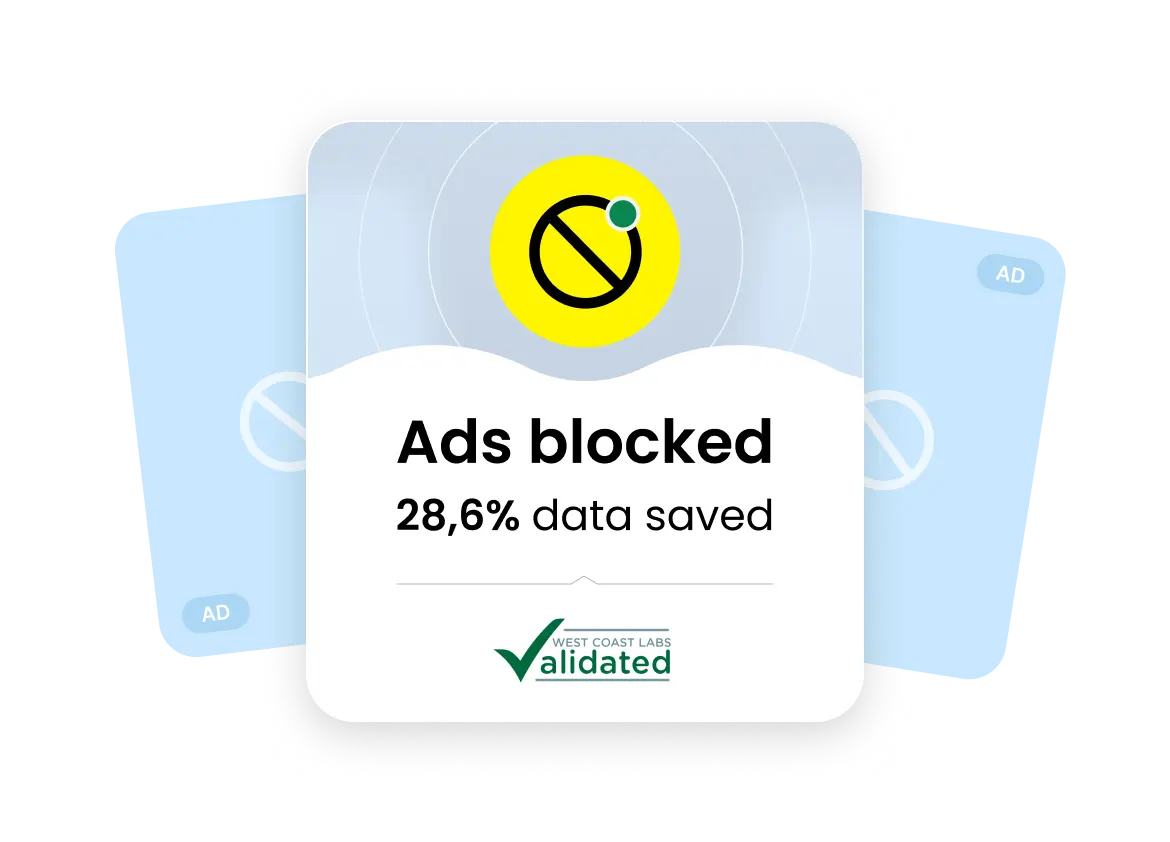
Save 28.6% of your data on average.
Included with Saily eSIM plans at no extra cost.

What is the Saily ad blocker?
The Saily ad blocker stops intrusive ads from loading on your device and works alongside Saily’s broader suite of security features, including virtual location and web protection.
Built into the Saily eSIM app at no extra cost, this feature is developed by Nord Security — the company behind NordVPN.

Why use the Saily ad blocker while traveling?
Saily ad blocker reduces data usage by 28.6% on average
How to turn on the Saily ad blocker
1
Download the app
Download Saily and set up your eSIM. Your plan will activate when you reach your destination.

2
Select the ad blocker feature
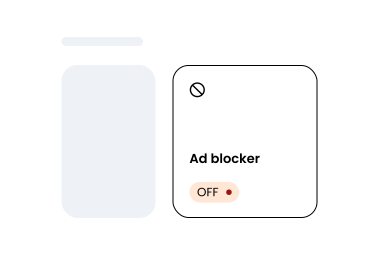
On the home screen, scroll down to the “Security” section and tap “Ad blocker.”
3
Turn the feature on
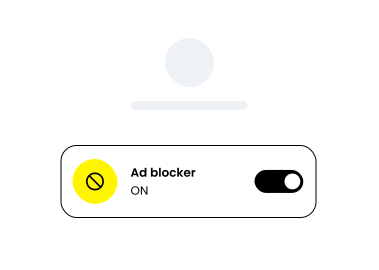
Toggle the switch to turn it on. The tab will show “On” when your ad blocker is active.
Browse abroad without ads
Stop wasting mobile data on ads you never wanted to see. Saily’s ad blocker removes pop-ups and banners at the network level, letting you focus on your trip.
Saily vs. other eSIM providers
Saily is the only major eSIM provider that includes a built-in ad blocker and a comprehensive security feature suite.
 |  |  |  |  | ||
|---|---|---|---|---|---|---|
| Security features |  |  | | | | |
| Virtual locations | 115+ | 0 | 0 | 0 | 0 | |
| Web protection | | | | | | |
| Ad blocker | | | | | | |
| View Plans |
This data was taken from competitors’ official English-language sites on August 22, 2025, and the West Coast Labs product comparison report. For additional info, contact [email protected].
** Saily® is unaffiliated with the goods or services to which it is being compared.

Download the Saily eSIM app
You can get Saily on Google Play and the App Store or by scanning the QR code.

4.7 rating
(35,487+) reviews

4.7 rating
(61,942+) reviews