By the company behind

Saily eSIM virtual location: Change how your connection appears online
Browse more privately abroad.
Choose from 115+ virtual locations.
Use it directly in the Saily app.

What is Saily’s virtual location feature?
Saily’s virtual location feature reroutes your traffic through a remote server, making it seem like you are connecting from a different location. It’s part of Saily’s broader suite of security features, along with the ad blocker and web protection, and comes included with every Saily eSIM plan for free.
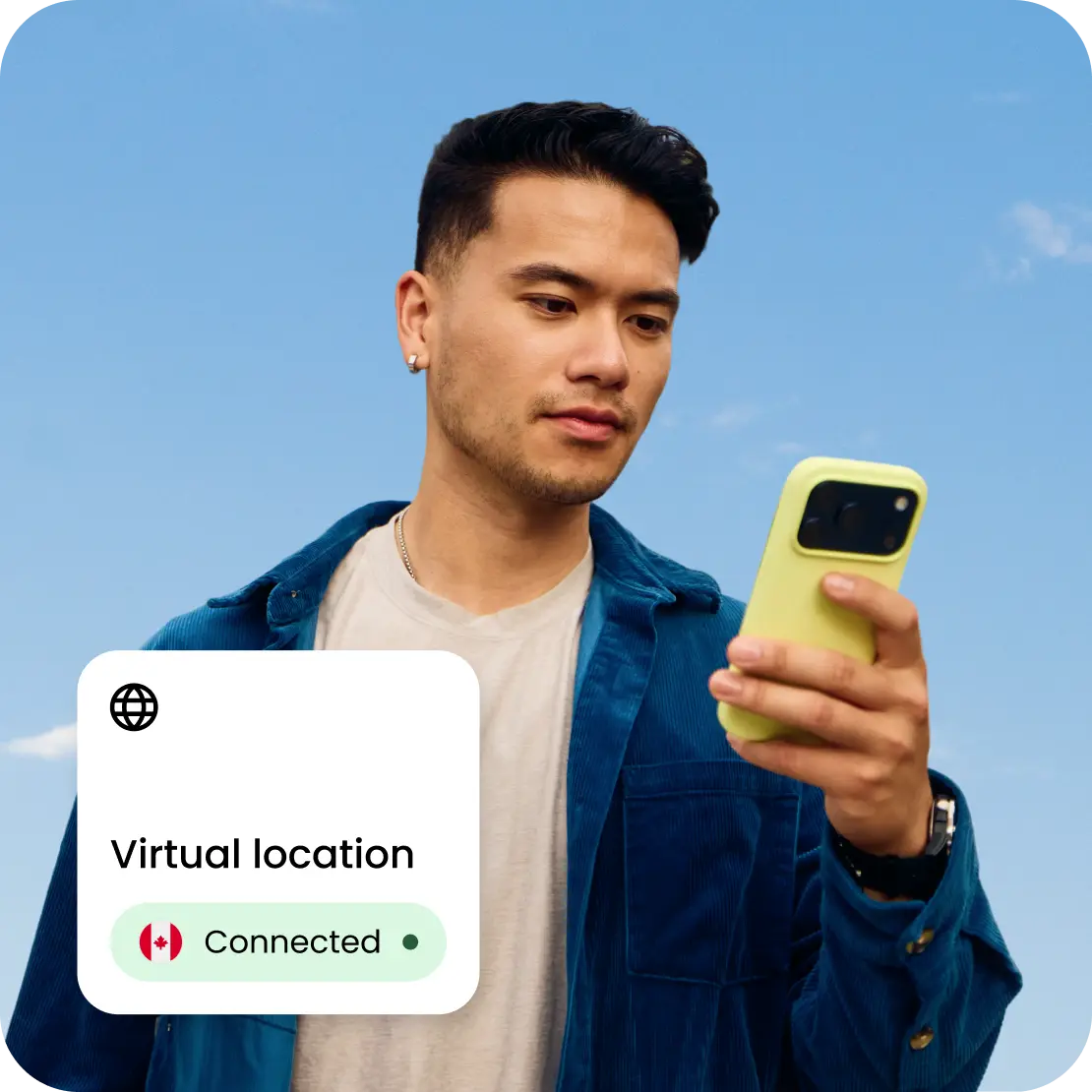
Why use Saily’s virtual location feature while traveling?
How Saily’s virtual location feature works
Saily’s virtual location feature helps add privacy to your connection by changing where you appear online.
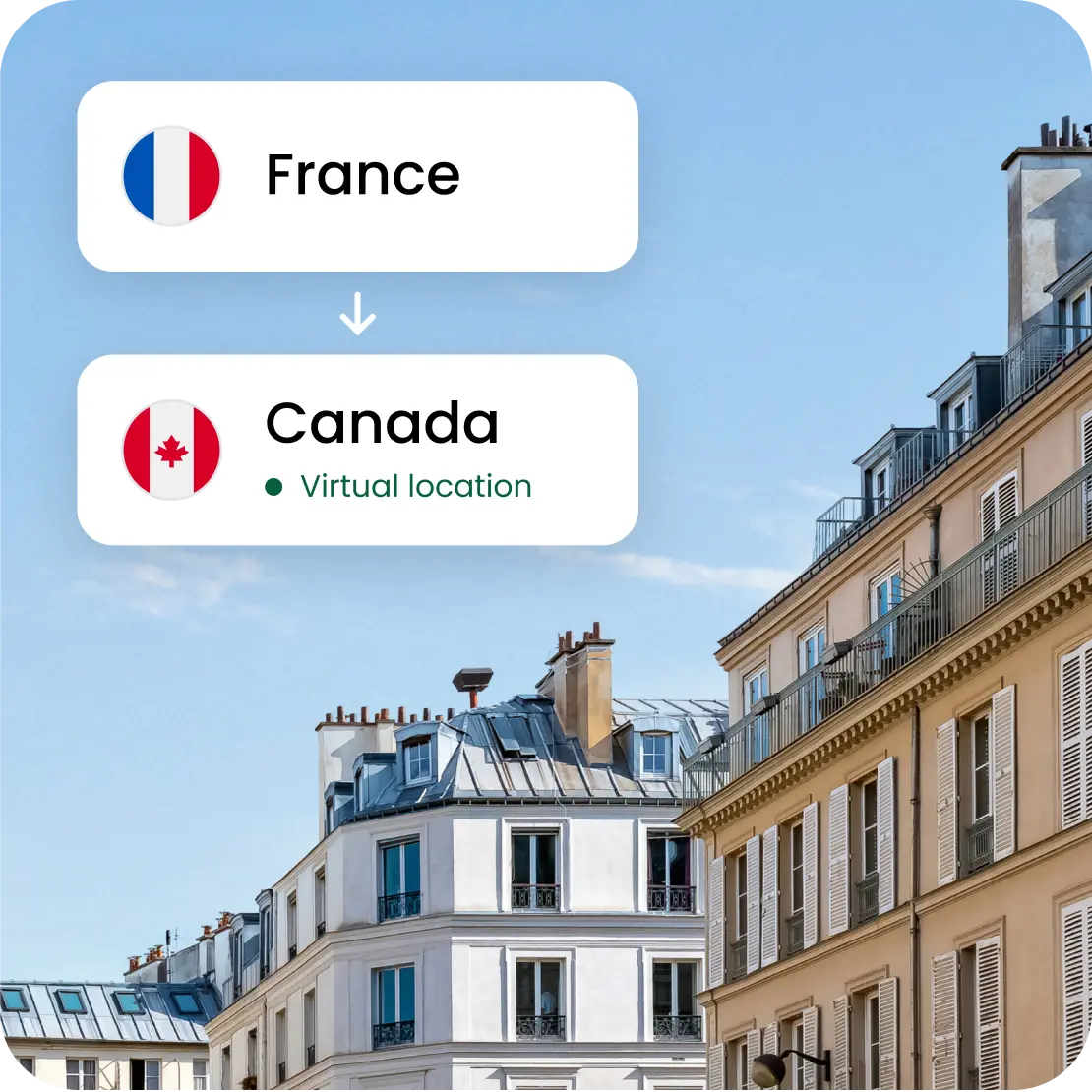
How to turn on Saily’s virtual location feature
1
Open the app
Head to the home screen of your Saily app to view your active settings.

2
Find the feature
Tap the “Virtual location” tab located on your main dashboard.
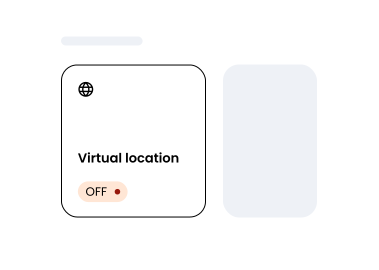
3
Choose your location
Select a virtual location of your choice to connect.

Saily vs. other eSIM services
Saily is the only major eSIM provider with a built-in virtual location feature and a comprehensive security features suite.
 |  |  |  |  | ||
|---|---|---|---|---|---|---|
| Security features |  |  | | | | |
| Virtual locations | 115+ | | | | | |
| Web protection | | | | | | |
| Ad blocker | | | | | | |
| View Plans |
This data was taken from competitors’ official English-language sites on August 22, 2025, and the West Coast Labs product comparison report. For additional info, contact [email protected].
** Saily® is unaffiliated with the goods or services to which it is being compared.
When to use a virtual location
*Check your employer’s access and security policies before use.

Try Saily with a virtual location
You can get Saily on Google Play and the App Store or by scanning the QR code.

4.7 rating
(35,487+) reviews

4.7 rating
(61,942+) reviews