By the company behind

Saily’s web protection feature: Block malware and trackers while traveling
Blocks malicious domains and trackers
Reduces phishing and malware risks
Free with every Saily eSIM plan
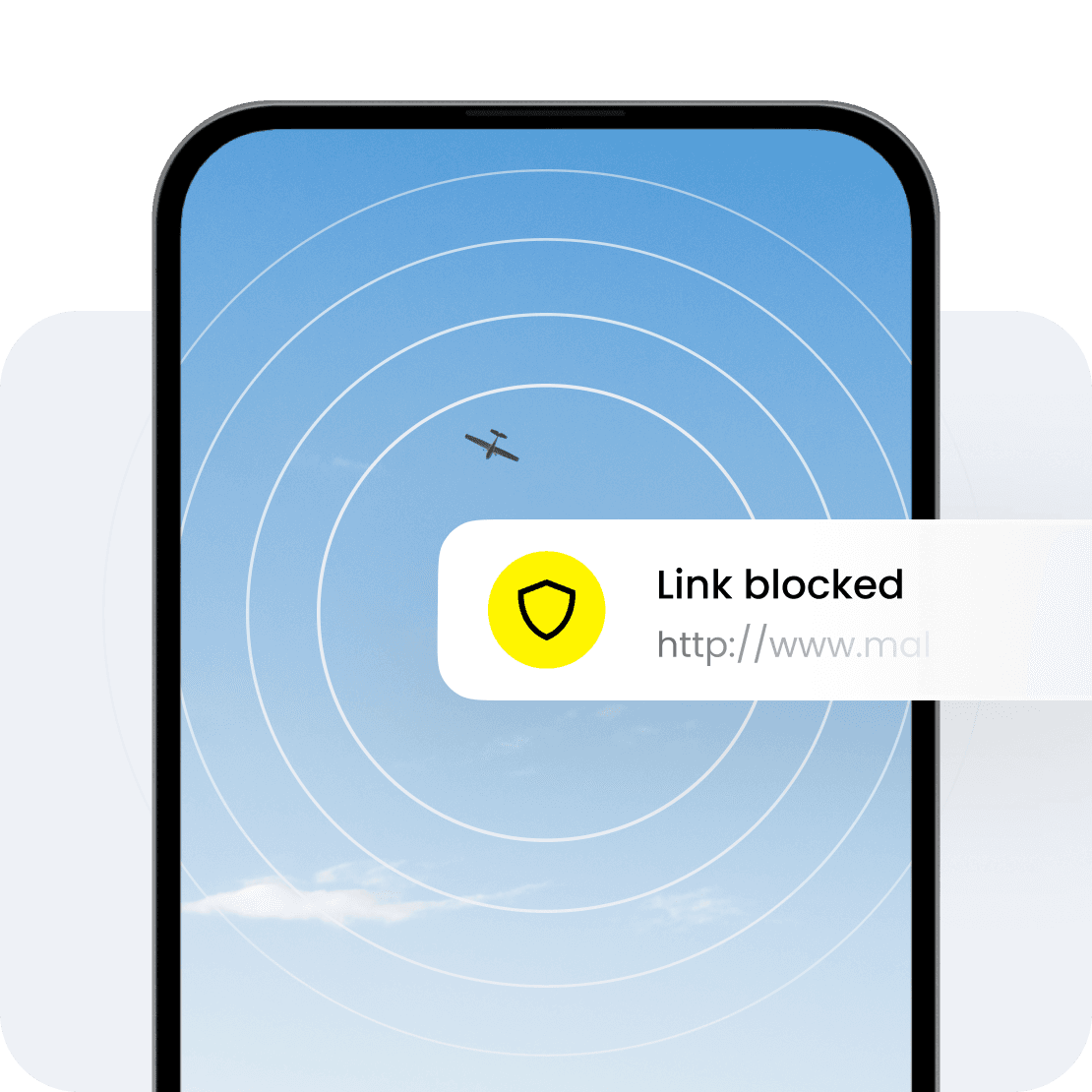
What is Saily’s web protection feature?
Web protection is one of the Saily eSIM app’s security features that uses Domain Name System (DNS) filtering to block malicious domains, tracking scripts, and phishing links to reduce the likelihood of malware infecting your device. Web protection is built into the Saily app and is included for free with every Saily eSIM plan.
Check out Saily’s other built-in security features: Ad blocker and Virtual location changer
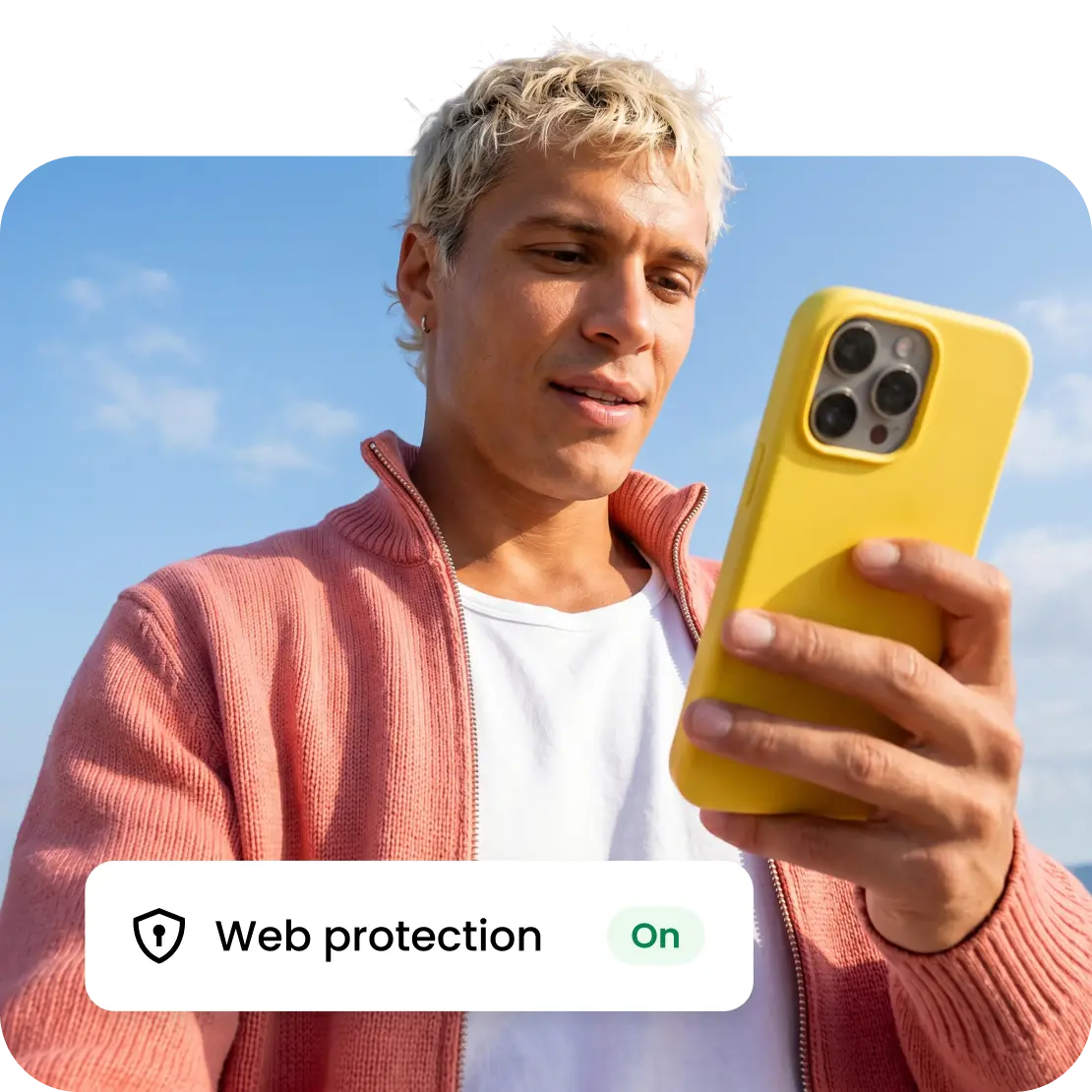
Why use Saily’s web protection feature while traveling?
Browse while you travel with built-in security
Enjoy reliable mobile data in over 200 destinations worldwide with complimentary security features that thwart malware, trackers, and phishing attacks. One of the biggest benefits of using a Saily eSIM is its suite of built-in security features — at no extra cost — brought to you by the same minds behind NordVPN.
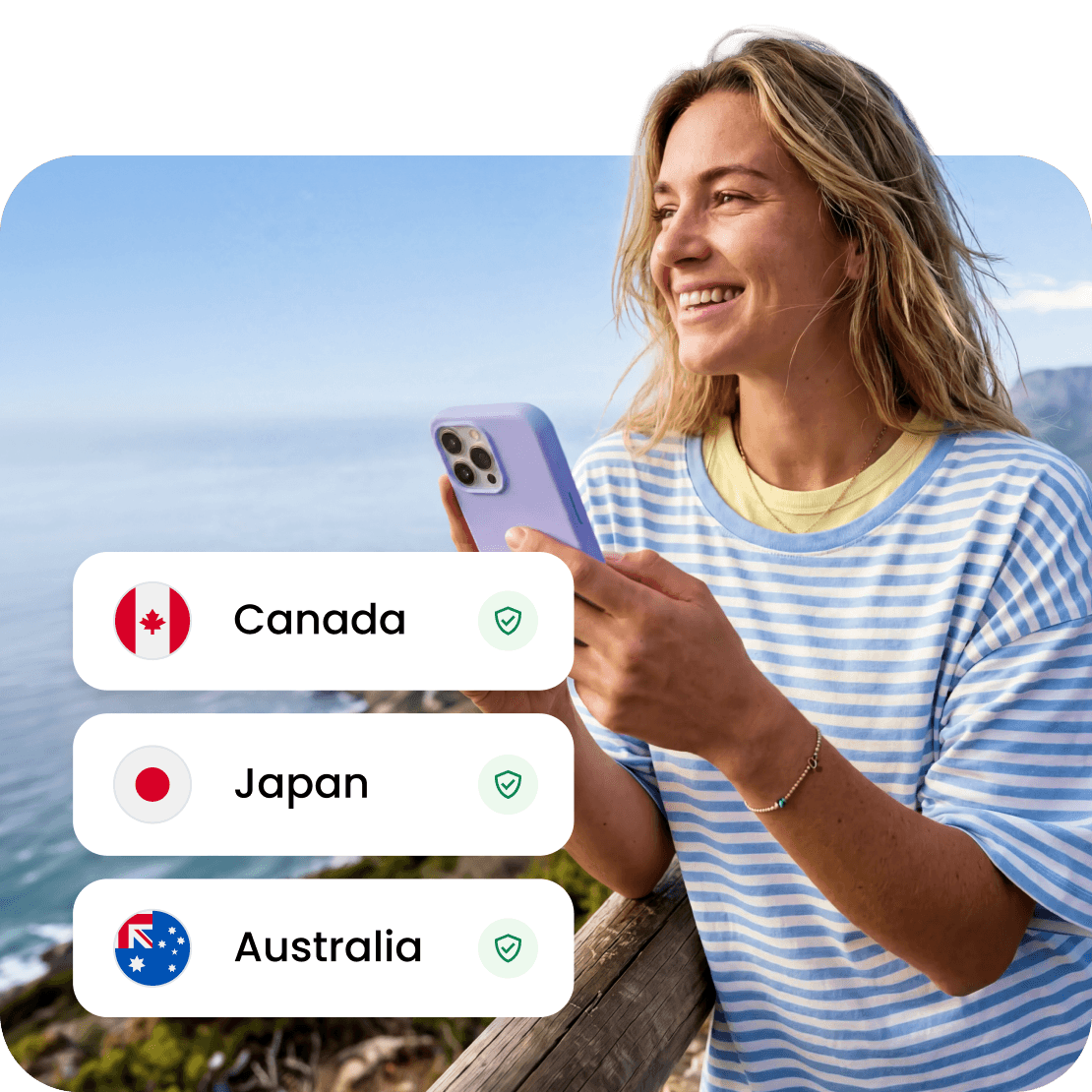
How to enable Saily’s web protection feature
1
Install your Saily eSIM
After buying your data plan, follow the in-app instructions to install your eSIM.
2
Enable web protection
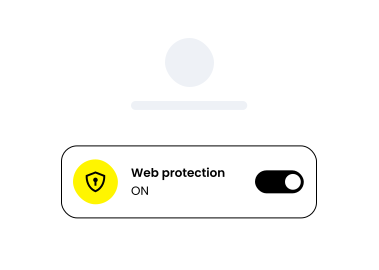
In the Saily app, scroll down to “Security,” tap “Web protection,” and enable it.
3
Enjoy stress-free browsing!
Browse, book, and navigate without worrying about online threats.
Saily vs. other eSIM services
 |  |  |  |  | ||
|---|---|---|---|---|---|---|
| Security features |  |  | | | | |
| Virtual locations | 115+ | 0 | 0 | 0 | 0 | |
| Web protection | | | | | | |
| Ad blocker | | | | | | |
| View Plans |
This data was taken from competitors’ official English-language sites on August 22, 2025, and the West Coast Labs product comparison report. For additional info, contact [email protected].
** Saily® is unaffiliated with the goods or services to which it is being compared.

Download the Saily eSIM app
You can get Saily on Google Play and the App Store or by scanning the QR code.

4.7 rating
(35,487+) reviews

4.7 rating
(61,942+) reviews