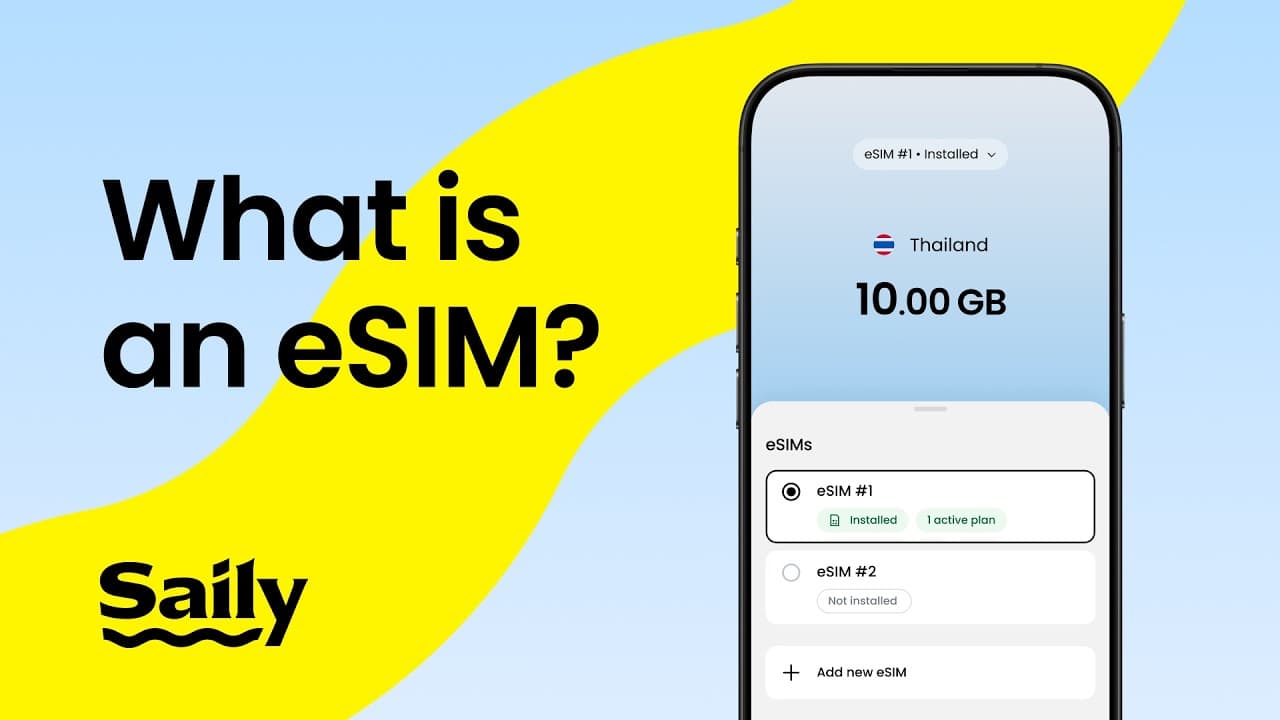
What is an eSIM?
An eSIM, or embedded SIM, is a digital version of a traditional SIM card that’s built directly into your phone. That convenience is a big reason travelers like it — but it also comes with a few tradeoffs.
Once activated, an eSIM connects you to a mobile network, letting you use data just like a regular SIM would. Most newer smartphones support eSIM technology, but if you’re not sure whether your device is compatible, check our list of eSIM-supported devices.
Pros and security benefits of an eSIM
Getting an eSIM for travel will offer a mix of security, convenience, and flexibility:

It’s harder to steal or tamper with. Because an eSIM is built into the device, it can’t simply be removed and inserted into another phone.
It’s more difficult to clone. eSIMs are often harder to duplicate than physical SIM cards, though not impossible to compromise.
No card to lose or damage. Unlike with a physical card, you can’t misplace, break, or leave your eSIM behind at a hotel.
It’s a faster setup. You can usually activate a plan digitally without visiting a store or waiting for a plastic SIM to arrive.
It supports multiple plans. Many devices let you store more than one eSIM, meaning you can easily switch between carriers or keep home and travel lines separate.
It’s less hassle between countries. Changing plans with just a few taps is often easier than swapping physical SIM cards.
Cons and security risks of an eSIM
eSIMs are convenient but — like most things in the world — not perfect. Here are a few drawbacks you should know about upfront:

It’s not immune to hacking or phishing. eSIMs can be affected by scams, stolen credentials, malware, social engineering, or eSIM hacking.
Device theft is still a risk. Even if the eSIM can’t be removed, a stolen unlocked phone can expose your accounts and data.
Potential carrier transfer issues. Moving an eSIM between devices may be less straightforward than moving a physical SIM.
Compatibility limits. Not every phone, tablet, or smartwatch supports eSIM technology.
Setup can be confusing to some. If you’ve never used an eSIM before, activation may feel less intuitive than inserting a SIM card.
Privacy depends on the provider. Your data handling and security are only as strong as the company behind the service.
Are eSIMs safe?
In most cases, eSIMs are safe and often seen as more secure than physical SIM cards. Still, eSIM security is only part of the picture. Your device settings, the provider you choose, and the way you handle phishing attempts, public Wi-Fi, passwords, and account recovery all matter too. While eSIMs can reduce certain physical security risks, they don’t eliminate digital threats like scams, malware, or unauthorized account access.
Are eSIMs safer than physical SIM cards?
In general, eSIMs are considered safer than physical SIM cards because they’re built into the device and are harder to remove, steal, or tamper with. That doesn’t make them risk free, but it does reduce some of the biggest physical security weaknesses associated with traditional SIM cards.Here’s why eSIMs are often seen as the more secure option:
| eSIMs | Physical SIMs |
|---|
Protection from theft | Embedded in the device, cannot be physically removed | Can be removed and used in another device |
|---|
Cloning and duplication | Harder to clone | More vulnerable to SIM cloning |
|---|
Risk of unauthorized use | Requires remote hacking, which is more difficult | Can be swapped into another phone for unauthorized use |
|---|
Overall security | More secure due to being embedded and encrypted | Less secure due to physical vulnerability |
|---|
How to improve your eSIM’s security
eSIMs are already a more secure option, but your habits and device setup still play a big role in how well your data is protected:

Use a strong device lock. Secure your phone with a strong passcode, fingerprint, or face recognition to make unauthorized access harder if your device gets lost or stolen.
Enable device and carrier security features. Turn on features like Find My Device, remote lock, remote wipe, and any carrier protections available for your mobile account.
Keep your software updated. Install system and security updates regularly to patch known vulnerabilities on your phone.
Avoid using public Wi-Fi for sensitive activity. If you need to log in to banking apps, email, or other sensitive accounts, do so only on trusted and secure networks.
Protect your eSIM and account login details. Treat activation QR codes, carrier credentials, and account recovery details like sensitive information and don’t share them unless genuinely required.
Use two-factor authentication. Add 2FA to your email, carrier account, and other important services to reduce the risk of account takeover.
Choose a secure eSIM provider. Pick a provider with a solid reputation, clear privacy practices, and responsive customer support.
Watch out for phishing and scams. Be cautious with unexpected links, messages, or calls asking for login details, verification codes, or account information.
Back up important account recovery options. Make sure you can still access your email, 2FA methods, and recovery settings if you lose your phone or it stops working.
How to choose a secure eSIM provider
When selecting an eSIM app, it's important to prioritize security to ensure your personal data remains protected. A trustworthy eSIM provider should follow industry standards to protect your personal and payment information. Look for companies that comply with global security standards, such as the GDPR (General Data Protection Regulation).
When you’re investigating the security of the app you’re considering, remember to read its terms and conditions and determine who the data will be shared with. If possible, also check if your chosen eSIM service is partnered with a reputable mobile network operator.
Next, check the provider’s reputation. Has it had any past security issues? If so, how did support staff handle them?
Finally, check customer support. A reliable provider should have a responsive support team that can help if you ever run into security concerns, such as a lost device or potential fraud.
Why the Saily eSIM app is a safe option for travel
Saily has eSIM security features designed to make your browsing experience even safer:
Virtual location helps protect your online privacy by masking where you actually are. This means you can securely access your paid home content while traveling without exposing your personal data.
Ad blocker is more than just a way to stop annoying ads. It’s a DNS-based tool that blocks intrusive and potentially harmful advertisements, preventing them from loading and using up your data. Fewer ads mean better browsing and extra protection against trackers and malicious content hidden in pop-ups.
Web protection acts as a filter against online threats, blocking access to known malicious websites that could host scams, malware, or phishing attempts. It keeps your personal information safer while you browse.
With these built-in security features, the Saily eSIM app offers more than just connectivity. While eSIMs are generally safe, Saily gives you additional protection and peace of mind, wherever you’re traveling.
Beyond the security advantages, traveling with an eSIM has many additional benefits that can make your trip smoother. For example, you won’t need to hunt down a local SIM card vendor in an unfamiliar place or rely on public Wi-Fi just to get online. Instead, you can simply purchase a data plan before you leave or as soon as you land — no physical swapping, no stress.